A structure built for listings
Hook, tour, property details and closing pitch are organized into readable sequences rather than a generic slideshow.
Choose a presentation built for real estate. Diane prepares the sequences, voice-over, motion and music; you adjust before rendering.
Free to get started · No credit card required · No commitment
Style sequences
Voice-over
A villa with grounds, a period apartment and a room to reimagine should not be presented the same way. Diane styles give every video a real estate structure without making you build a timeline from scratch.
Hook, tour, property details and closing pitch are organized into readable sequences rather than a generic slideshow.
Zooms, tracking moves, combined moves and compatible generated sequences add movement without an on-location shoot.
Rendering starts only after your approval. Scripts and visual choices remain reviewable before credits are used.
Each style changes the opening, pace and sequences. It does more than recolor the same video.
The template for an apartment: cinematic opening, guided walkthrough and a photo tour of the rooms.
A creative template that makes furniture appear in the living room, with a dynamic hook and a rhythmic photo tour.
For spacious properties with outdoor grounds.
Showcases the transformation of each room: the current version morphs into a renovated, furnished one without changing the architecture.
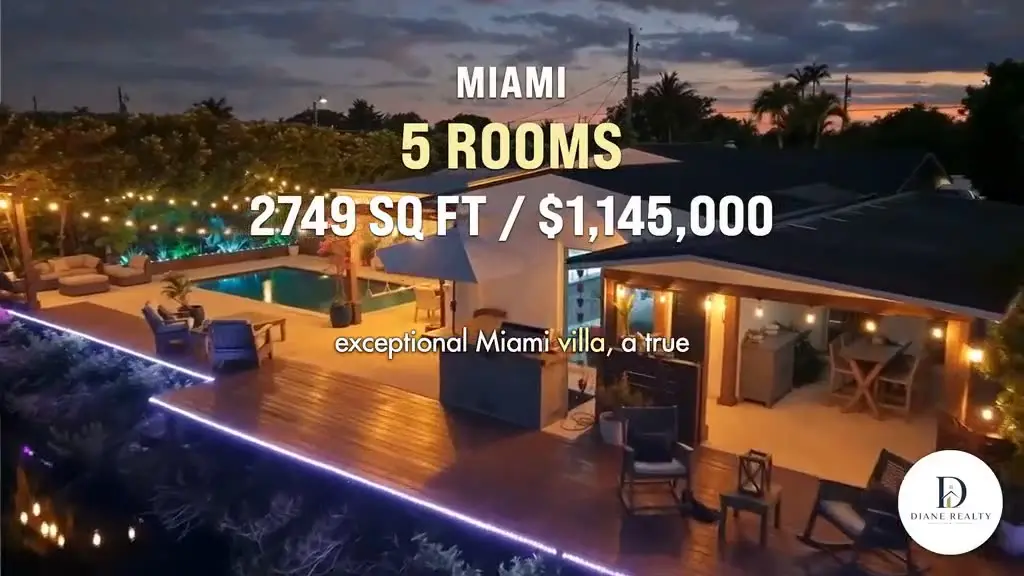
Clip from the demonstration property, edited with Diane. The cards above describe the sequence structure of each style.
Simple mode lets you approve quickly. Advanced mode helps sync voice and visuals, adjust scene duration, change its effect or correct the text.
Approve the sequences and launch the render.
Sync the voice, set durations, effects and text.
Import a listing, choose a style, and review everything before rendering.
Free to get started · No credit card required · No commitment