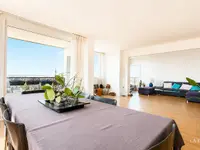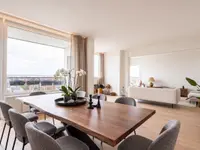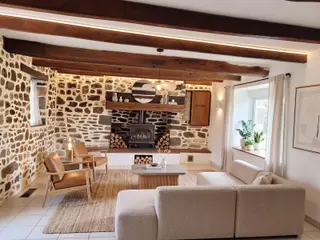
Make scale easier to read
A sofa, table or bed gives an empty room a visual scale and helps explain one possible use.
Diane starts from the real photo, imagines a furnished version and presents both states in a before-and-after sequence inside your video.
Free to get started · No credit card required · No commitment
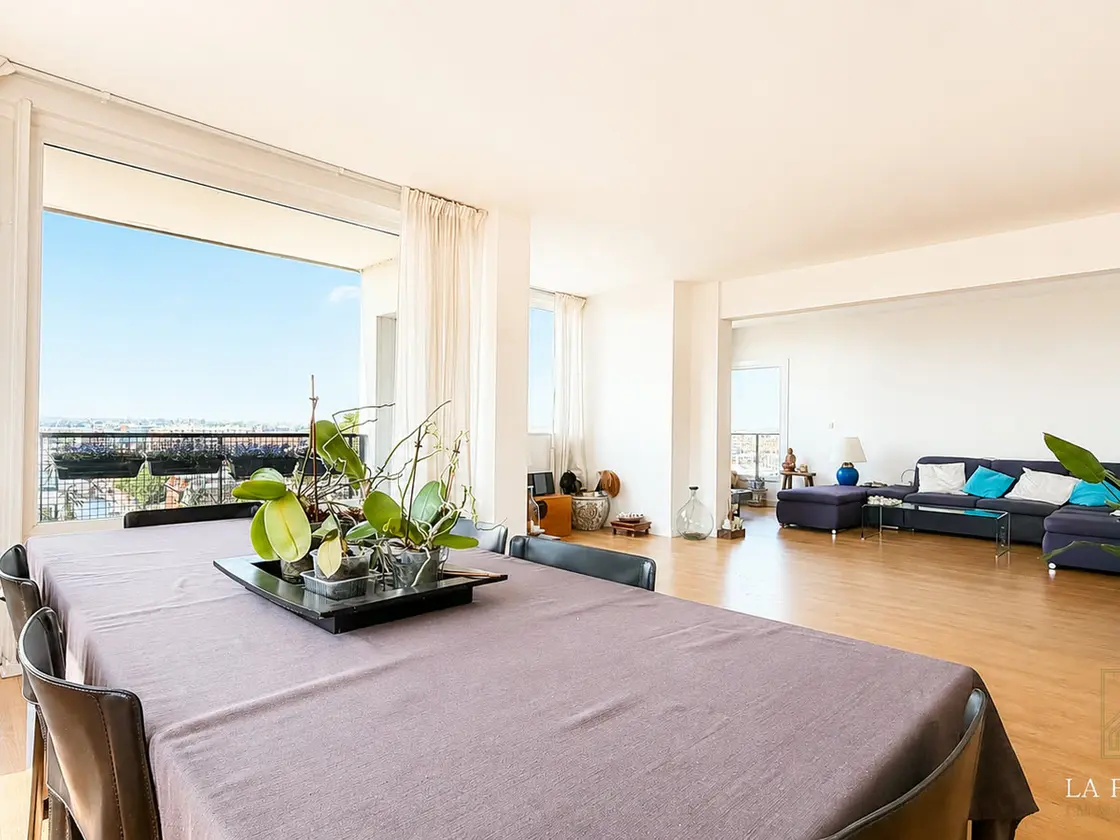
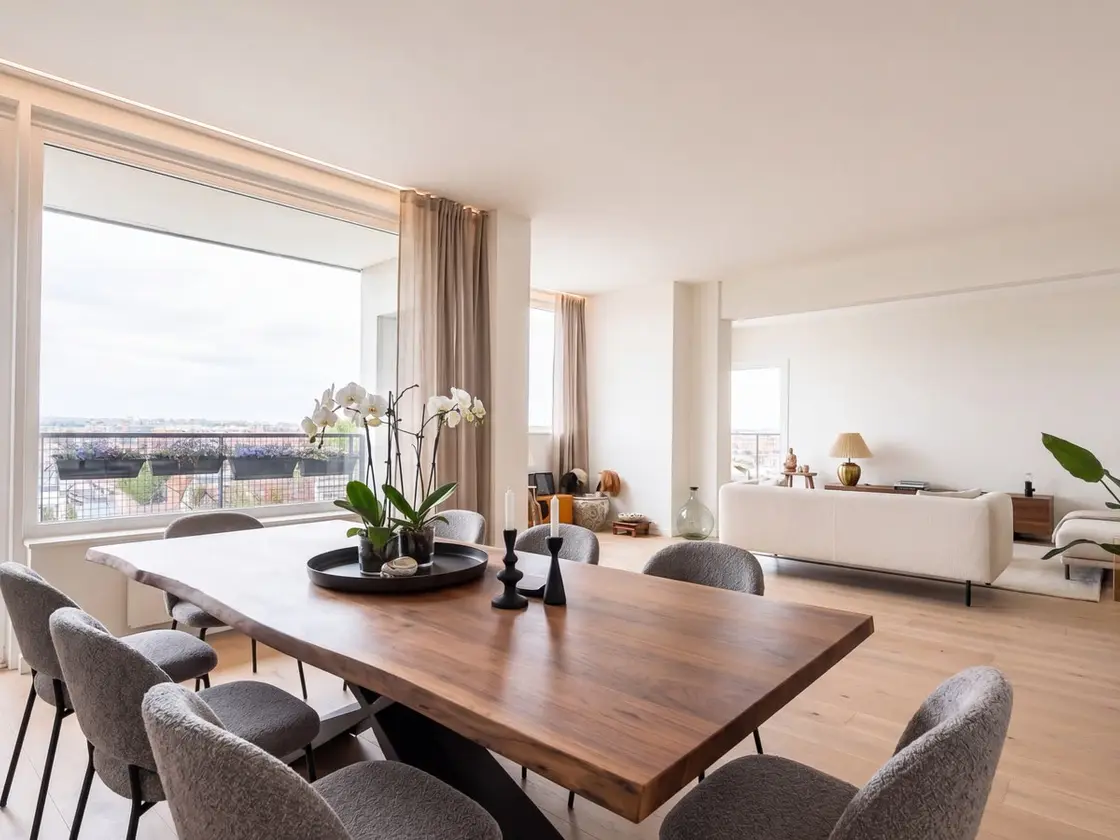
An empty room's scale can be hard to read, and dated decor can distract from the space. A before-and-after comparison shows one possible presentation while preserving the property's real condition.
A sofa, table or bed gives an empty room a visual scale and helps explain one possible use.
The before remains visible and the after is identified as generated. Buyers can tell what exists and what is imagined.
The before and after is not an isolated image: it becomes a sequence in the edit, with narration, transitions and the rest of the tour.
Compare real photos and generated visualizations. Every example must remain tied to the same property and presented as one possible layout.
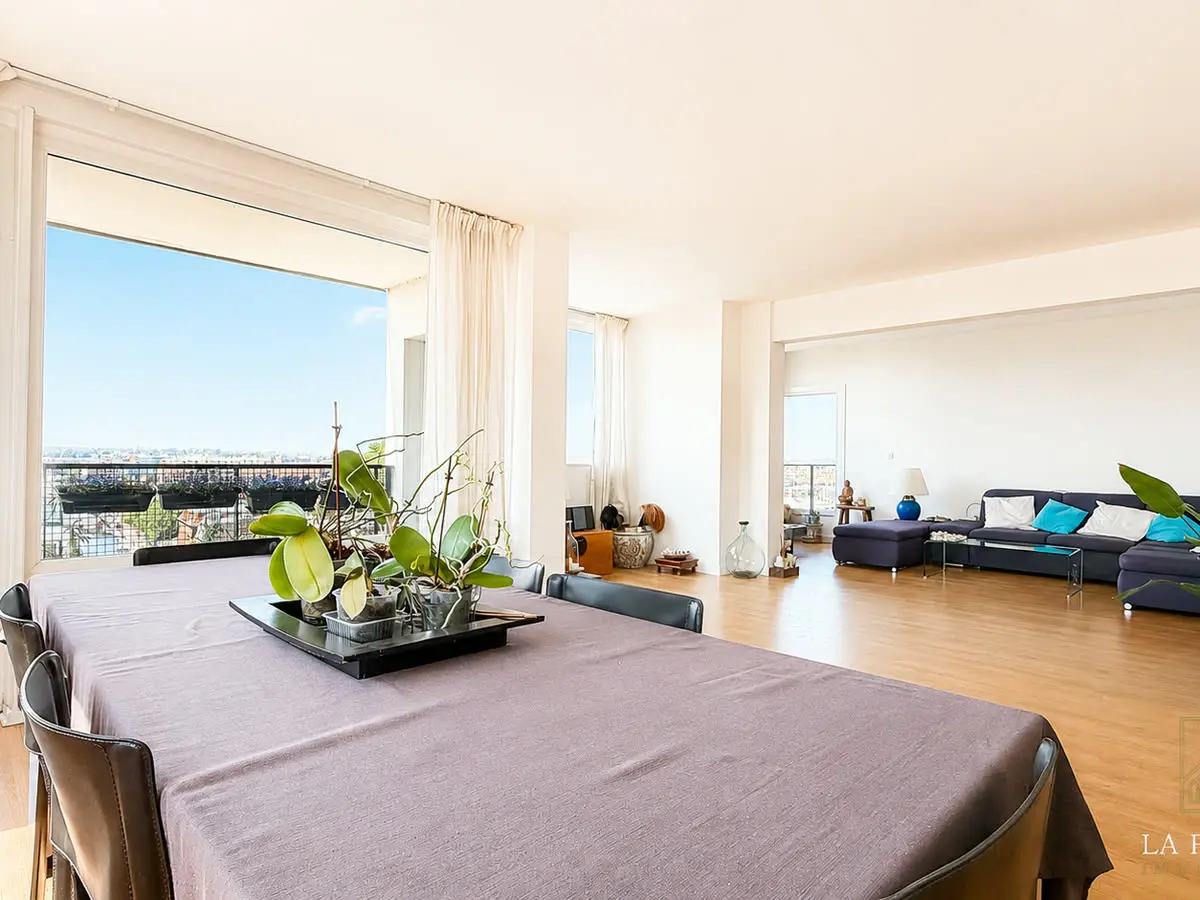
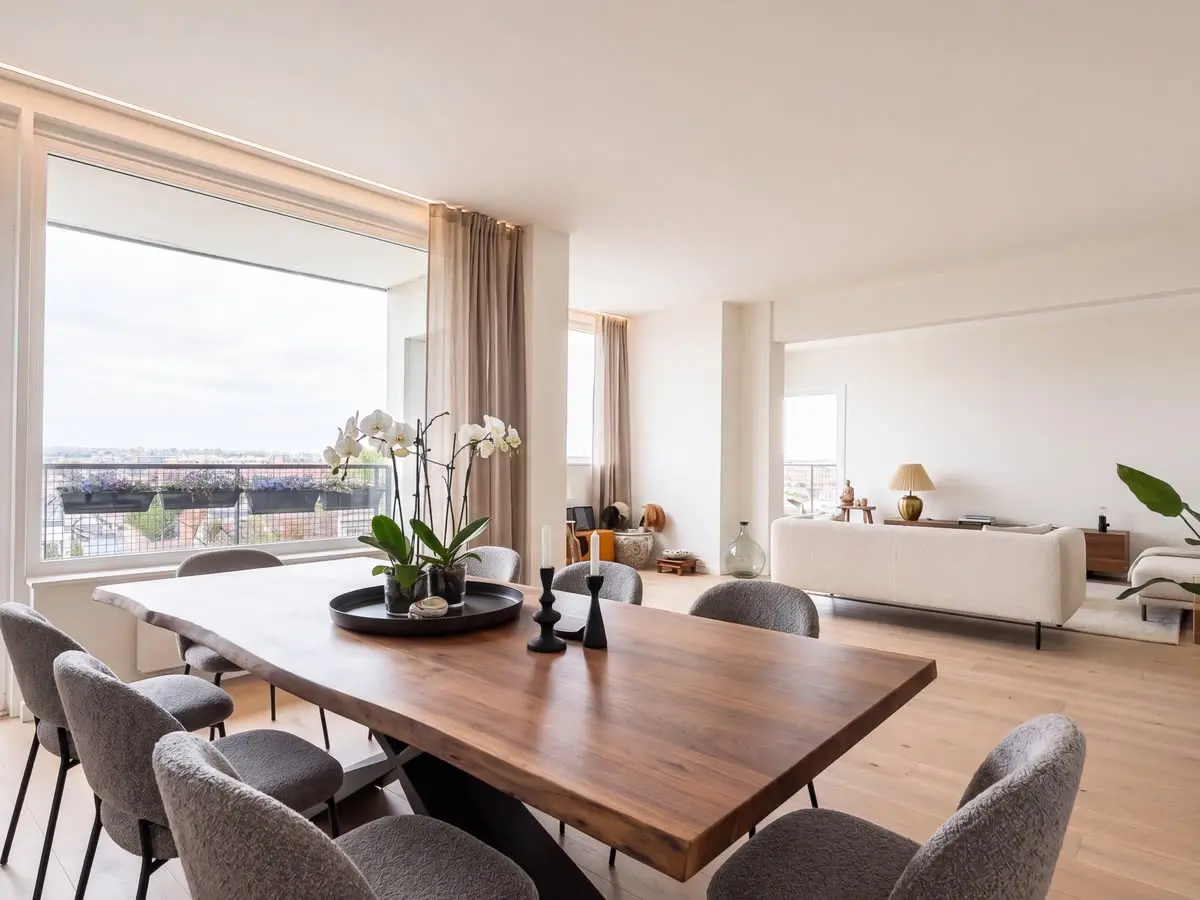
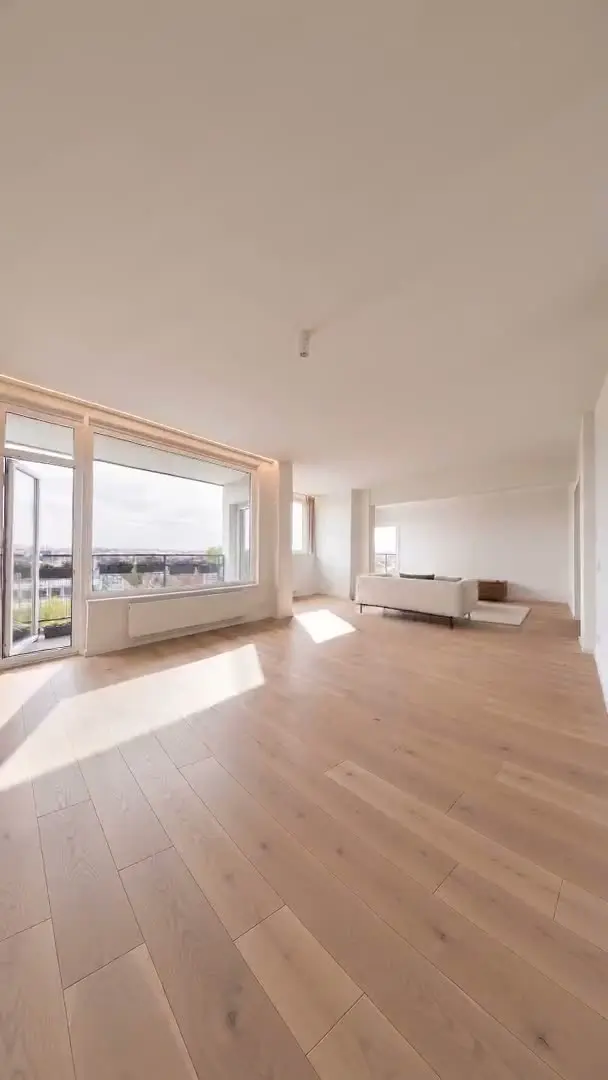
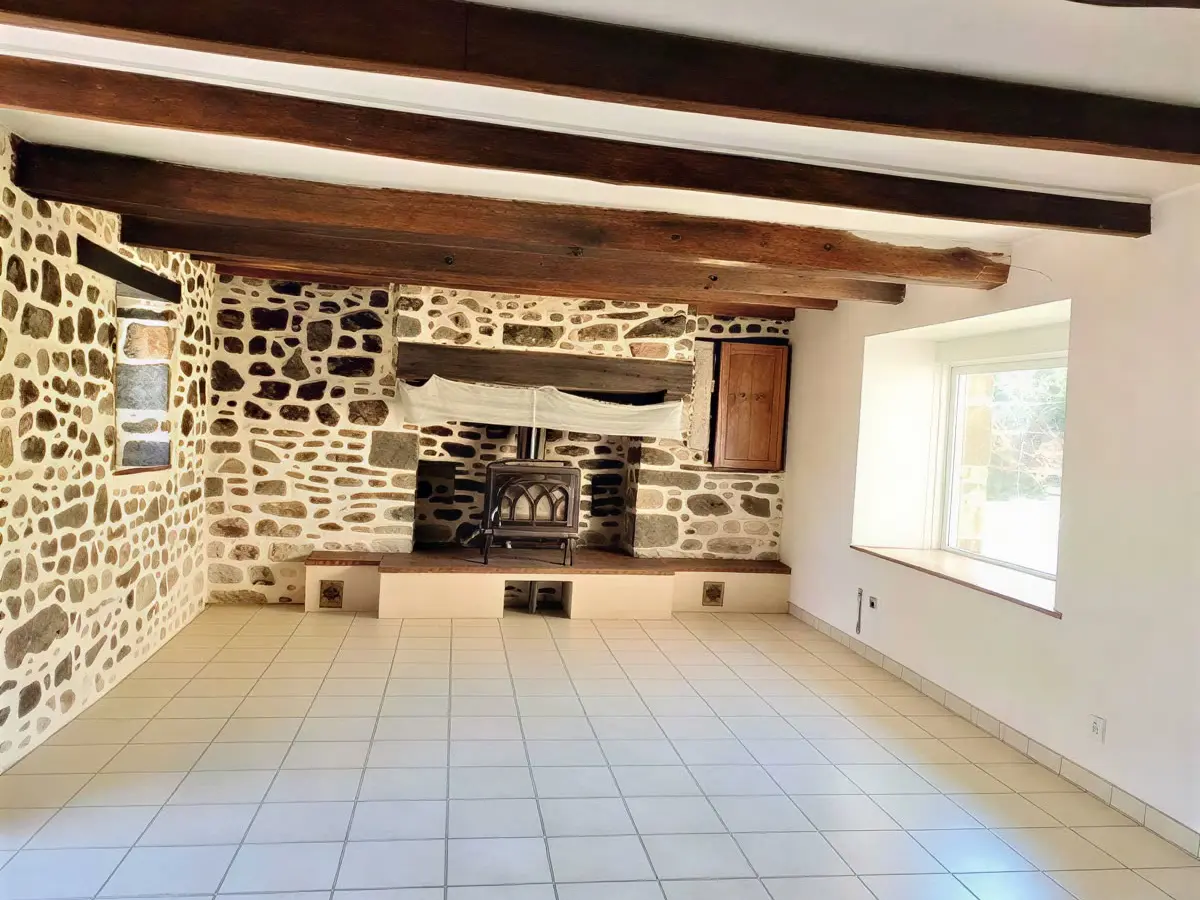
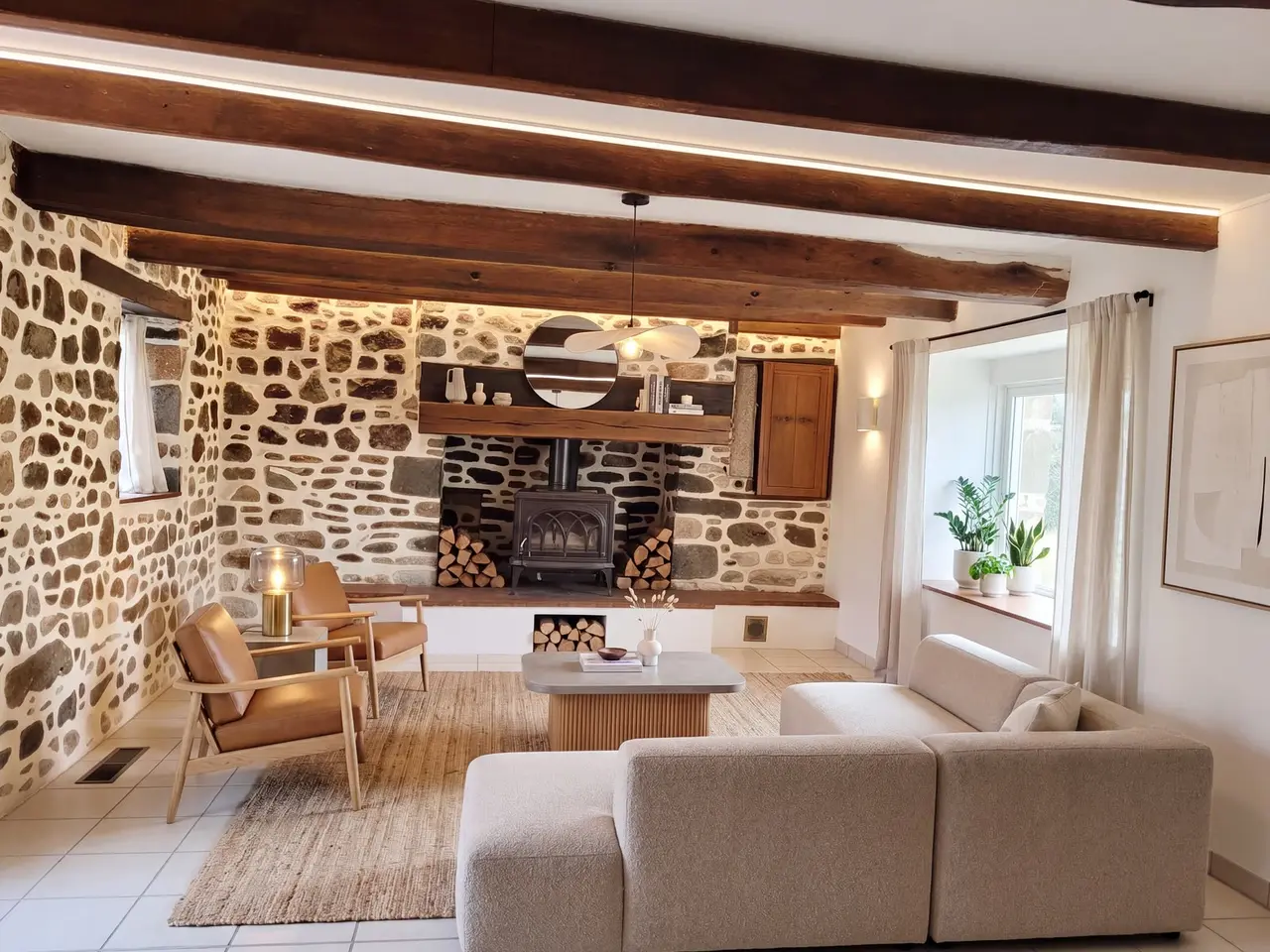
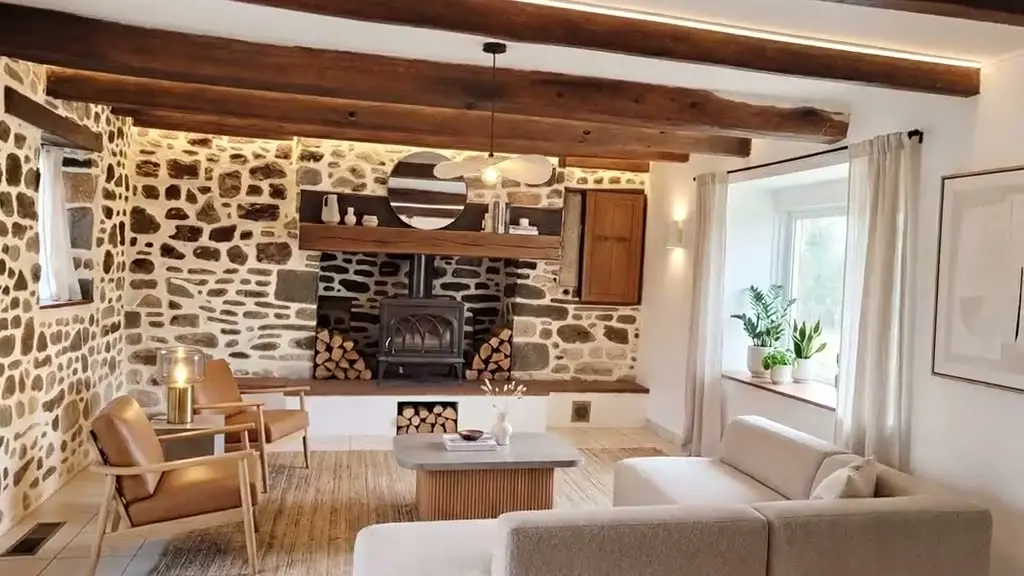
Keep the original photo in the video, clearly identify the visualization and check that it does not alter structural features. If a result distorts an opening, ceiling height, volume or fixed equipment, do not use it.
Keep the original photo in the video and identify the visualization.
That openings, ceiling heights, volumes and fixed equipment are intact.
Any result that distorts the structure or misleads about volumes.
Import a listing, choose a style, and review everything before rendering.
Free to get started · No credit card required · No commitment