Avoid duplicate entry
Already-published details become a reviewable draft instead of being typed again one by one.
Open a listing in Chrome, launch the Diane extension, then review details and photos before creating the property in your account.
You start every import · Review the data before creating a video
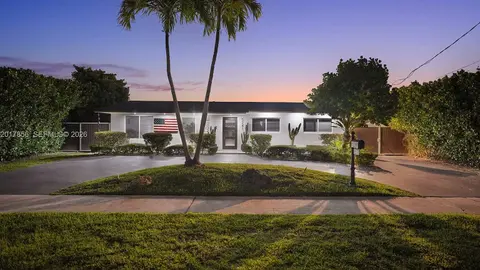
Title, city, price, size, description and photos already exist on the published page. The extension pulls them at your request and lets you review them before importing.
Already-published details become a reviewable draft instead of being typed again one by one.
The extension collects visible images and lets you choose which ones should join the project.
Extraction structures the data, but nothing is imported without your action and every field remains editable.
Replay the three import steps without leaving this page. The demonstration does not read any page open in your browser.
The action starts from the popup. Page content is sent to Diane's backend to structure the listing, then selected photos are imported. The extension does not store credentials and relies on your existing Diane session.
Extension privacy policyInstall the extension, review the imported data, then start creating.
You start every import · Review the data before creating a video


